


- Home
- A-Z Catalogue
- Products
- Valves
- Cetop
- Manual Directional Valves
- Proportional Valves
- Poppet Valves
- High-Speed Linear Servo Valves
- All High-Speed Linear Servo Valves
- Cetop 10 (NG32) Two Stage Type High Speed Linear Servo Valves – LSVHG-10
- Cetop 10 (NG32) Two Stage Type High Speed Linear Servo Valves – LSVHG-10 (With Fail-Safe)
- Cetop 8 (NG25) Two Stage Type High Speed Linear Servo Valves – LSVHG-06
- Cetop 8 (NG25) Two Stage Type High Speed Linear Servo Valves – LSVHG-06 (With Fail-Safe)
- Cetop 7 (NG16) Two Stage Type High Speed Linear Servo Valves – LSVHG-04
- Cetop 7 (NG16) Two Stage Type High Speed Linear Servo Valves – LSVHG-04 (With Fail-Safe)
- Cetop 5 (NG10) Direct Type High Speed Linear Servo Valves – LSVG-03
- Cetop 5 (NG10) OBE Type Direct Operated Linear Servo Valves – LSVG-03-EH
- Cetop 3 (NG6) OBE Type Direct Operated Linear Servo Valves – LSVG-01-EH
- Pumps
- Pressure control
- Flow Control Valves
- Pressure Control Valves
- All Pressure Control Valves
- Brake Valves
- Direct Relief Valve
- Low Noise Solenoid Controlled Relief Valves
- Low Noise Pilot Operated Relief Valves
- Pilot Operated Relief Valves
- Pressure reducing and relieving valves
- Pressure reducing and check valves
- Pressure control valves
- Remote Control Relief Valves
- Solenoid Controlled Relief Valves – BSG
- Solenoid Controlled Relief Valves – BST
- Unloading relief valves
- Check valves
- Environmental
- Valves
- Hydraulic Systems
- Power pack
- About Us
- Contact
- Blog

7 Fingerprint Scanner Buying Tips for Global Buyers
Choosing a Fingerprint Scanner for an international project involves more than comparing prices and advertised speed. A device that works smoothly in a quiet office may struggle at a busy entrance, where users move quickly and lighting changes throughout the day. Buyers should look beyond polished product photos and ask how the scanner performs in their actual setting. Small details matter. Dry skin, frequent use, and different finger-placement habits can all affect capture quality. A quick demonstration is useful, but testing with representative users is more revealing. One impressive scan does not prove consistent performance.
This guide presents seven practical buying tips for global buyers, from sensor type and matching speed to software compatibility, data protection, and supplier support. It also encourages clear questions about environmental ratings, warranties, maintenance, and the certifications relevant to the destination market. Product claims deserve verification through specifications, test reports, or a hands-on evaluation where possible. Requirements vary by project, so no single model is right for every organization. A low purchase price may look attractive, yet replacement parts, integration work, and training can change the total cost. That trade-off is easy to miss. Even experienced procurement teams can overlook workflow details when deadlines are tight. Use these tips to compare options carefully, record what remains uncertain, and choose a scanner that fits real users—not just a feature list.
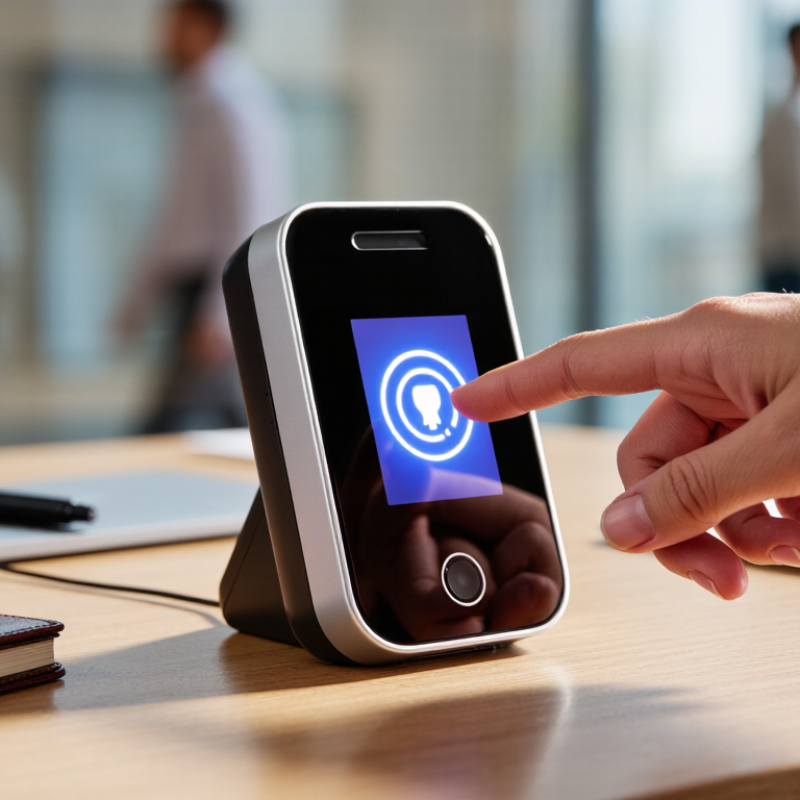
Table of Contents [Hide]
Define the Use Case and Select a Sensor with 500 ppi Capture Capability
Before comparing fingerprint scanners, define the task: enrollment, daily verification, or occasional identity checks. Will users scan one finger or several? Will the device sit at a staffed counter, a dusty entrance, or a shared office terminal? Each setting changes the needs for capture area, durability, and cleaning. Small details matter. A queue of employees arriving with cold, dry hands can expose weaknesses that a quiet demonstration misses.
A 500 ppi capture capability is a useful baseline for collecting fingerprint detail, but the number alone does not guarantee dependable images.
Ask how the scanner handles partial placement, light pressure, and naturally worn ridges. During evaluation, capture several fingers under ordinary conditions, then inspect whether images remain clear and consistent. Test both.
A glossy specification sheet can make every sensor look adequate; real users are less predictable.
I would also check the active sensing area and the guidance shown when a finger is misplaced. One limitation is worth admitting: performance can vary with skin condition, so a single successful scan proves little. Compare repeated attempts, not just the best image, and record the conditions.